
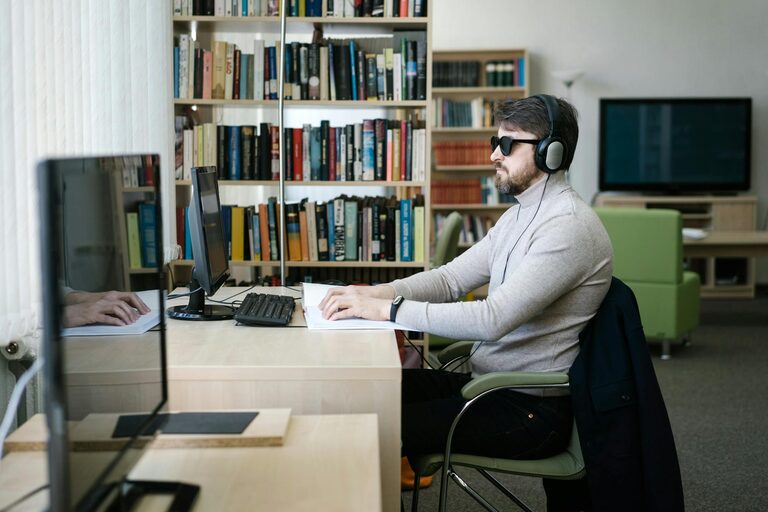
How to Protect Your Eyes During Screen Time: Simple Tips for Eye Health
Spending long hours in front of screens has become a common part of our daily lives, whether for work, learning, or entertainment. However, extended screen time can lead to eye discomfort and strain if proper care isn’t taken. Fortunately, there are practical steps you can follow to protect your eyes and maintain good vision health.
Understanding Digital Eye Strain
Before diving into tips, it’s helpful to know what digital eye strain is. Also called computer vision syndrome, it refers to a group of eye and vision-related problems that result from prolonged use of digital devices. Symptoms may include:
– Dry or irritated eyes
– Blurred or double vision
– Headaches
– Neck and shoulder pain
These issues arise mainly because screens cause people to blink less often and can make focusing more challenging.
Tips to Protect Your Eyes During Screen Time
Here are some simple but effective strategies to minimize eye strain and keep your vision comfortable.
1. Follow the 20-20-20 Rule
One of the easiest and most recommended habits is the 20-20-20 rule. Every 20 minutes, take a break by looking at something 20 feet away for 20 seconds. This gives your eye muscles a chance to relax and helps reduce fatigue.
2. Adjust Your Screen Settings
Customizing your device screen can reduce discomfort:
– Brightness: Match the screen brightness to your surrounding light. Too bright or too dim can strain your eyes.
– Text size and contrast: Use larger text and high contrast to make reading easier on your eyes.
– Color temperature: Some devices allow adjusting color temperature; warmer tones can be more comfortable, especially in the evening.
3. Maintain Proper Screen Distance and Position
Where and how you place your screen matters:
– Keep your computer screen about an arm’s length (20-24 inches) from your eyes.
– The screen should be positioned slightly below eye level. This encourages a natural downward gaze, helping reduce exposure of the eye’s surface to air and slowing tear evaporation.
– Reduce glare by positioning screens away from windows or bright lights.
4. Blink Often and Use Artificial Tears if Needed
Blinking helps spread moisture evenly across your eyes, preventing dryness and irritation. When staring at screens, blink rates tend to drop. Remind yourself to blink frequently. If you still experience dryness, over-the-counter artificial tear drops can provide relief.
5. Take Regular Breaks from Screens
Besides the 20-20-20 rule, try to take longer breaks during your day:
– Stand up, stretch, and move around every hour.
– Spend time focusing on distant objects to help your eyes relax.
– Use non-screen activities like reading printed books or spending time outdoors when possible.
6. Use Proper Lighting
Poor lighting can increase strain. Follow these pointers:
– Avoid working in dark rooms with a bright screen; balance ambient light and screen brightness.
– Use desk lamps that provide indirect, soft light rather than harsh overhead lighting.
– Reduce glare by adjusting blinds or curtains.
7. Consider Specialized Eyewear
If you use digital devices extensively, you might benefit from:
– Computer glasses: These have anti-reflective coatings and slight magnification to ease eye strain.
– Blue light filters: Some lenses reduce exposure to blue light emitted by screens; their effectiveness varies, but many find them helpful.
– Screen protectors: Matte screen protectors can reduce glare.
8. Maintain Overall Eye Health
Good eye care supports screen use comfort:
– Schedule regular eye exams to detect any vision problems.
– Wear prescribed glasses or contact lenses as advised.
– Stay hydrated and maintain a balanced diet rich in eye-friendly nutrients such as vitamin A.
Creating a Comfortable Work or Study Environment
Beyond protecting your eyes, optimizing your workspace helps:
– Use an adjustable chair that supports good posture.
– Arrange your desk to minimize reflections and distractions.
– Keep your screen clean to reduce glare and improve clarity.
Final Thoughts
With the growing popularity of digital devices, taking care of your eyes is more important than ever. By adopting simple habits like following the 20-20-20 rule, adjusting your screen settings, and maintaining proper lighting and distance, you can significantly reduce eye strain. Remember to listen to your eyes—if discomfort persists, consult an eye care professional.
Protecting your eyes during screen time is about balance. With mindful habits, you can enjoy the benefits of technology while keeping your vision comfortable and healthy.
